
ClawLess
A serverless AI agent
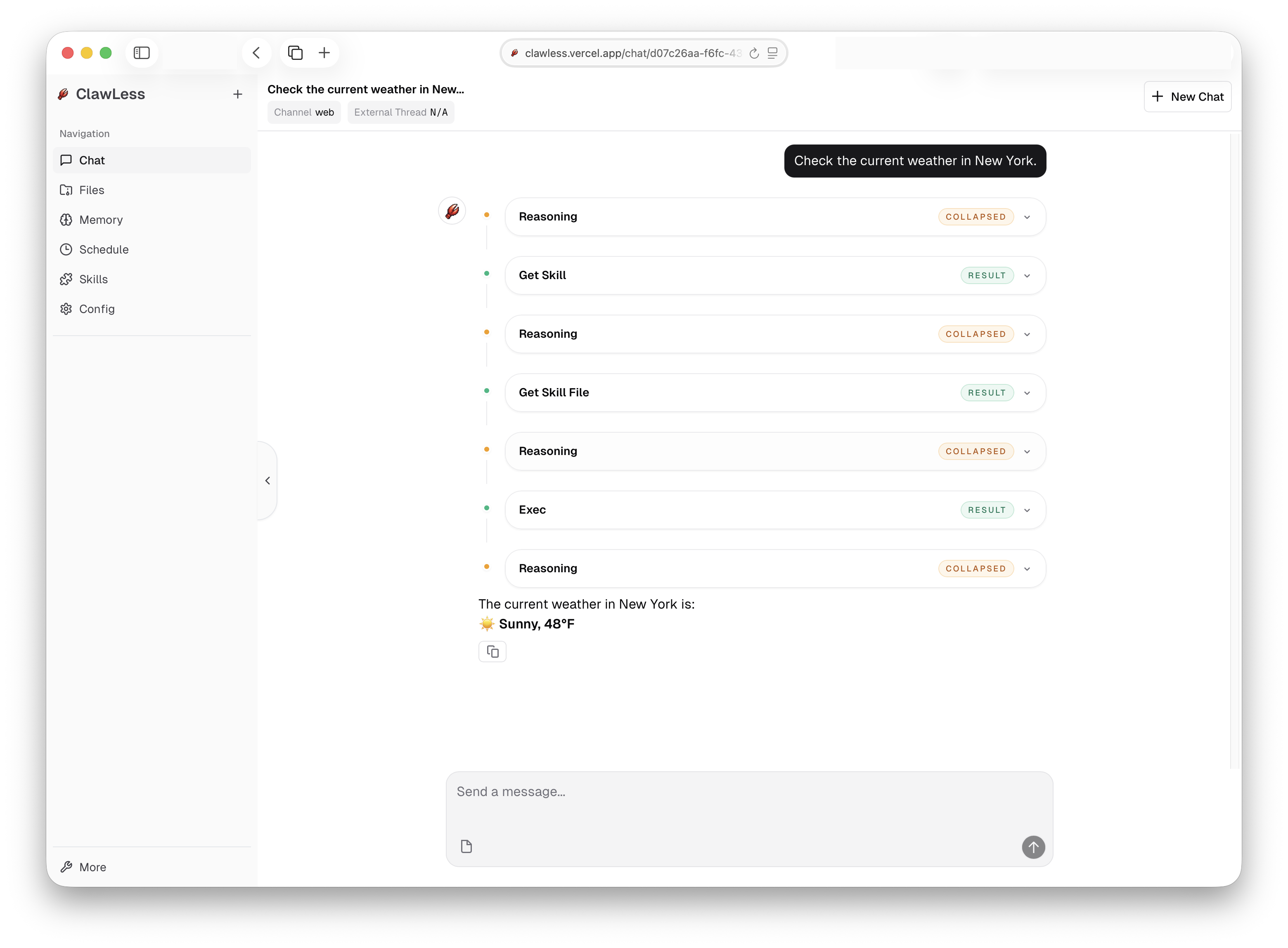
ClawLess is a free AI agent deployed on Vercel — a lightweight alternative to OpenClaw and Manus.
It's simple, free, open-source, and easy to deploy to Vercel.
You don't need a Mac Mini, a VPS, or any dedicated hosting — all you need is a free Vercel account and an AI API key.
ClawLess provides the core features you'd expect from OpenClaw: Chat, Skills, Memory (with RAG search), Channels, Bash tools (running in the sandbox), and Cron jobs. It also includes features inspired by Manus, such as Files, MCP, and Sub-Agents.
We consider ClawLess a lightweight agent. It's not the best place to run complex workloads, but it's free, easy to deploy, and can connect to your IM platforms.
We recommend using lightweight or free models to try ClawLess — for example, stepfun-3.5-flash is a great choice.
Just one button to deploy.
Get Started
Click the Deploy to Vercel button to open the deployment page.
If you don’t have a Vercel account yet, sign up using your GitHub account.
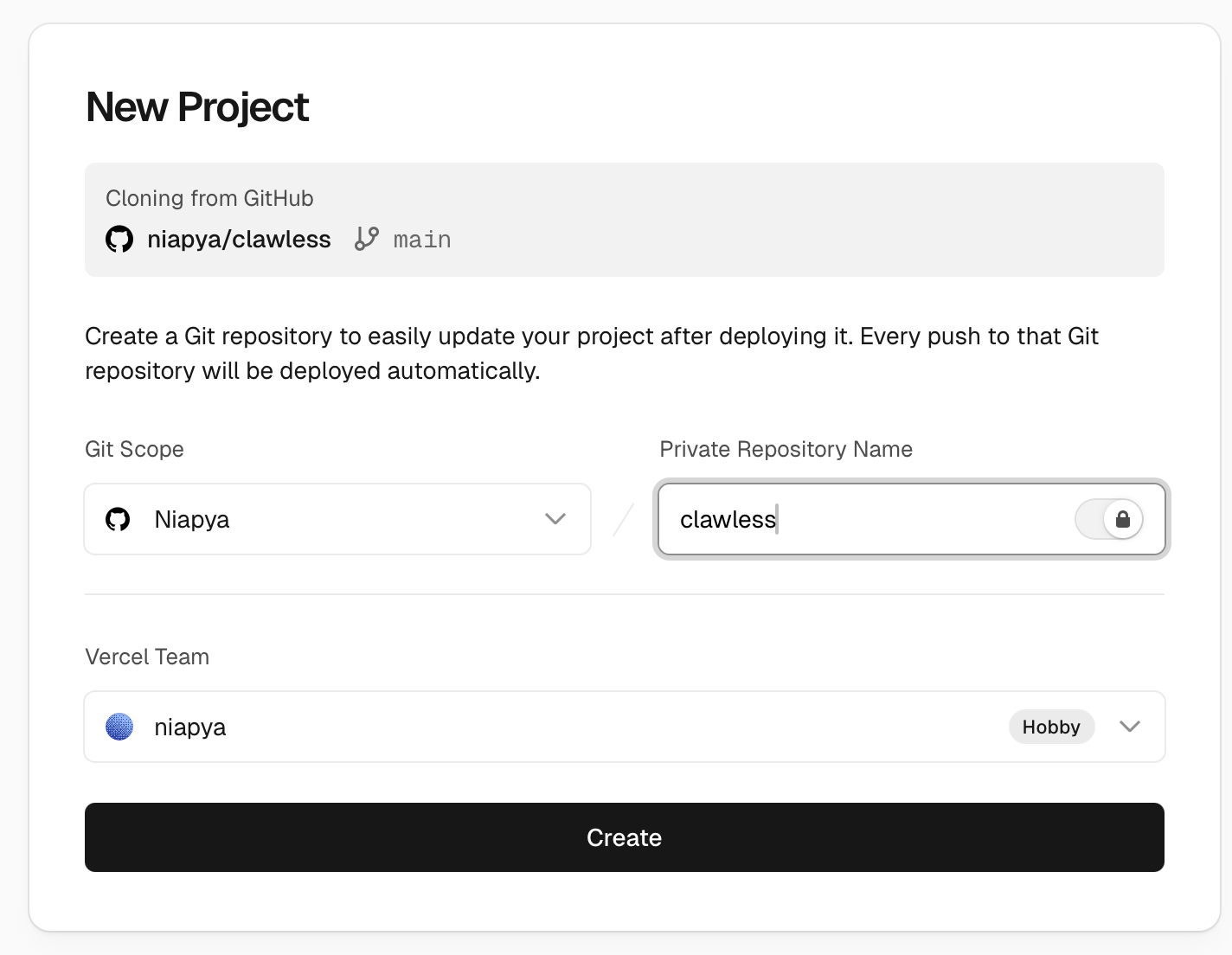
Select a team and name the project clawless, then click Next.
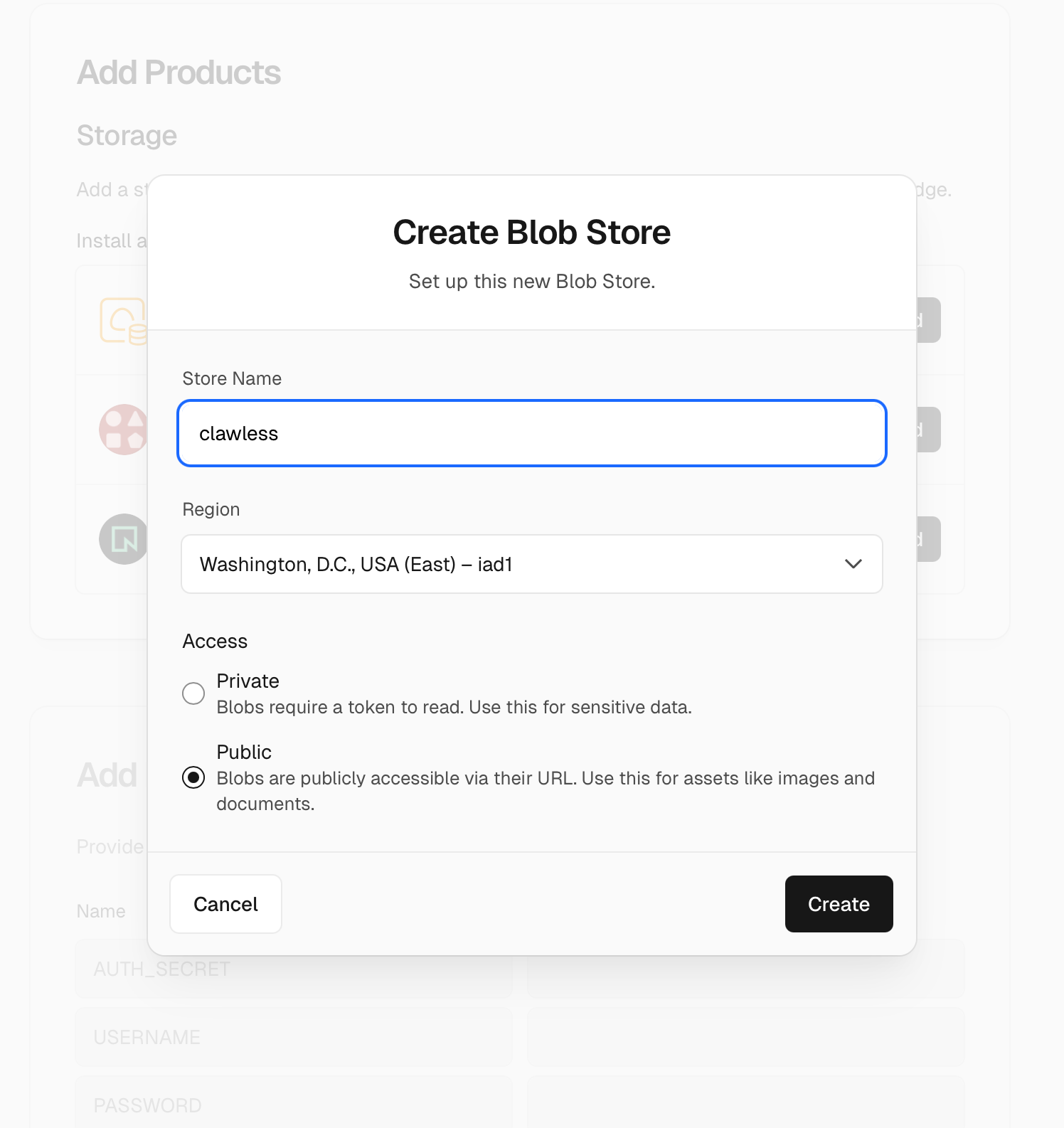
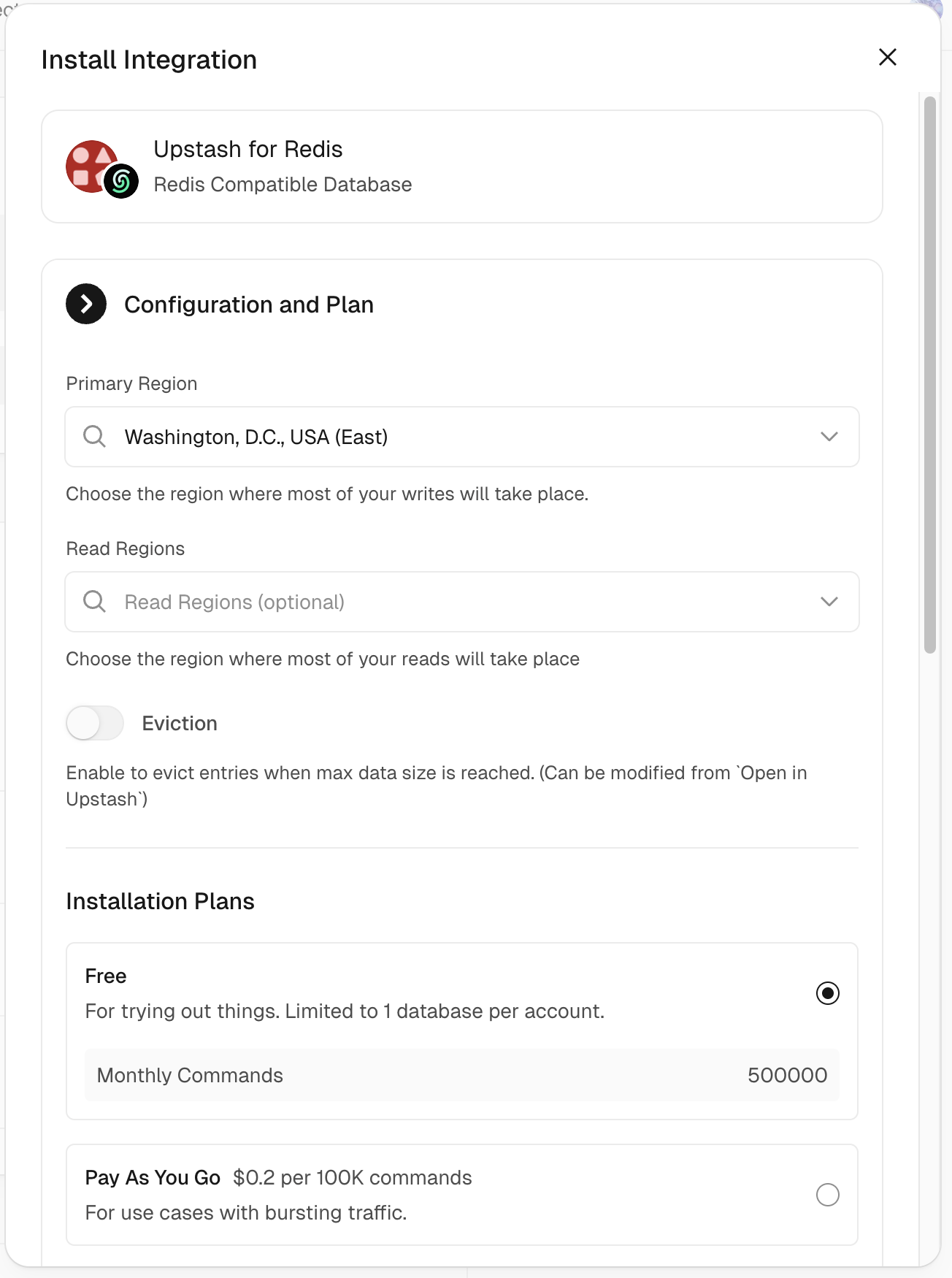
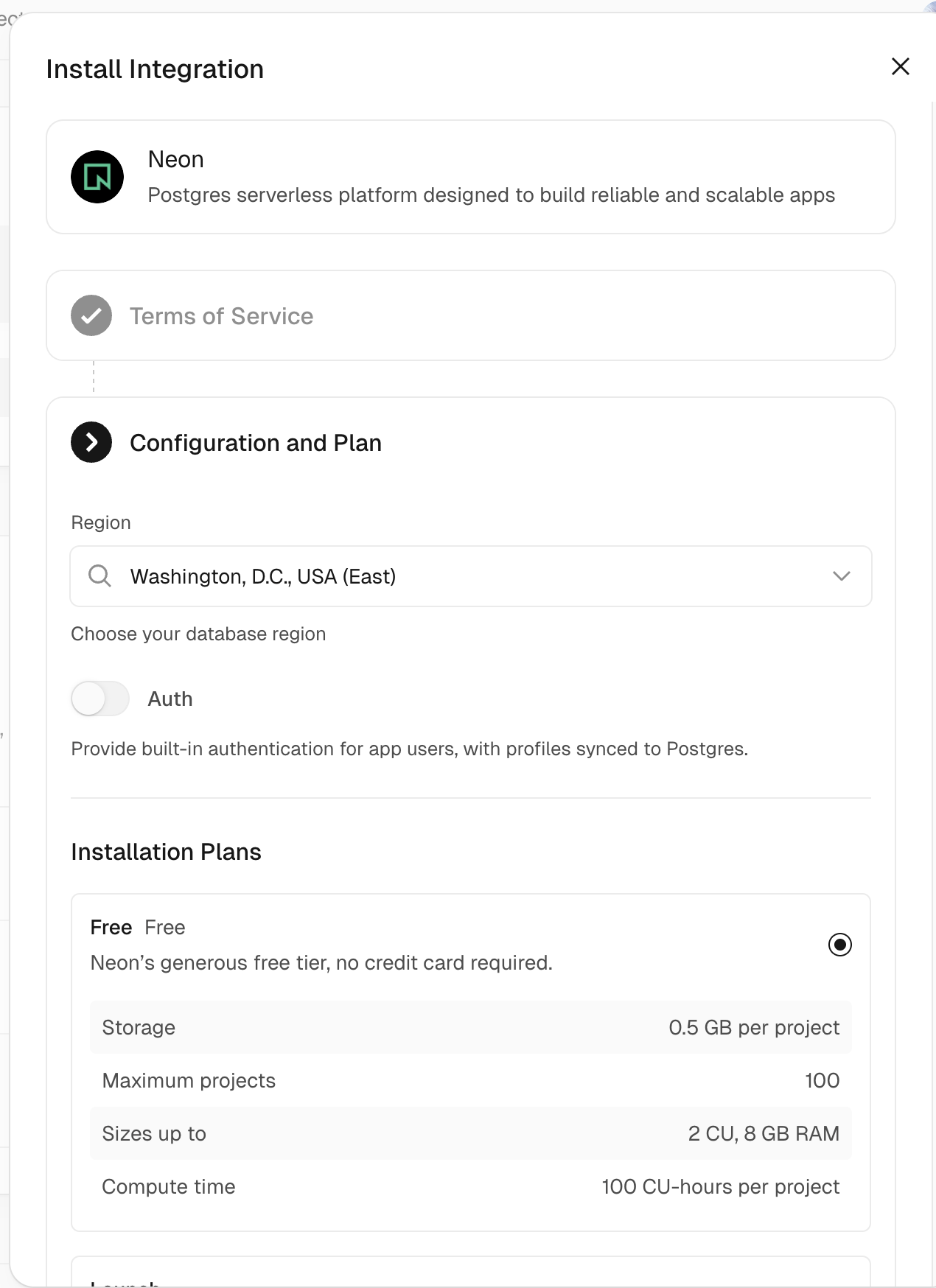
Then follow the prompts to add the three required products (Blob, Upstash for Redis, and Neon). When creating the Blob store, set it to public.
When adding these products, you can choose any name, region, or plan you like; we recommend selecting the free plan.
Next, add the following environment variables:
AUTH_SECRET— used for encryption.USERNAMEandPASSWORD— used for login.
Generating...Then click the Deploy button. Wait a moment, and you will see a public URL.
This will fork the repository to your GitHub account and deploy it. Save the resulting public URL.
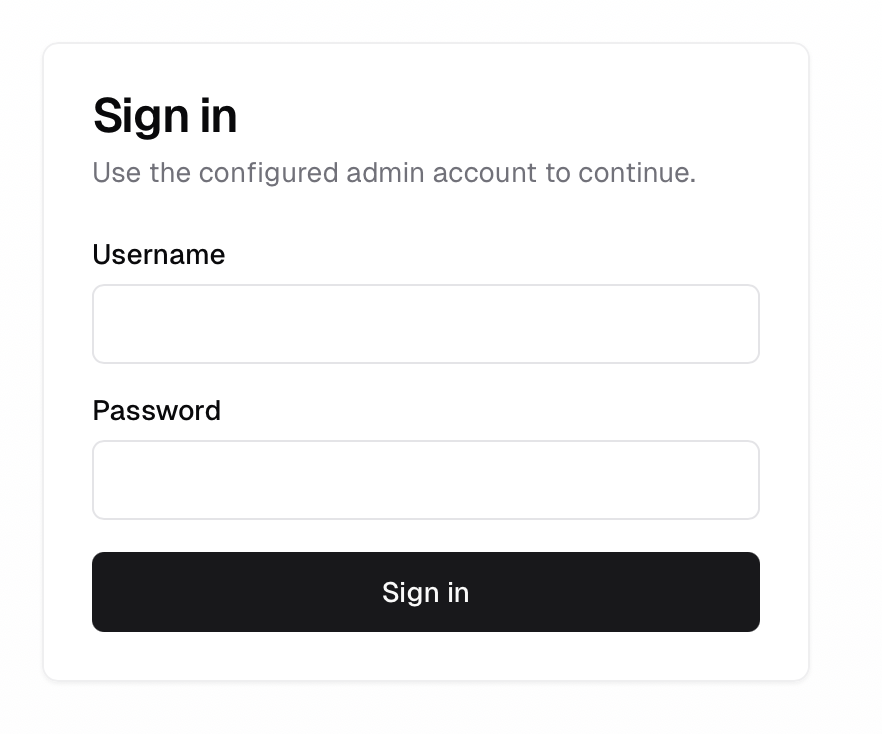
Open the public URL, then log in using the USERNAME and PASSWORD you just created.
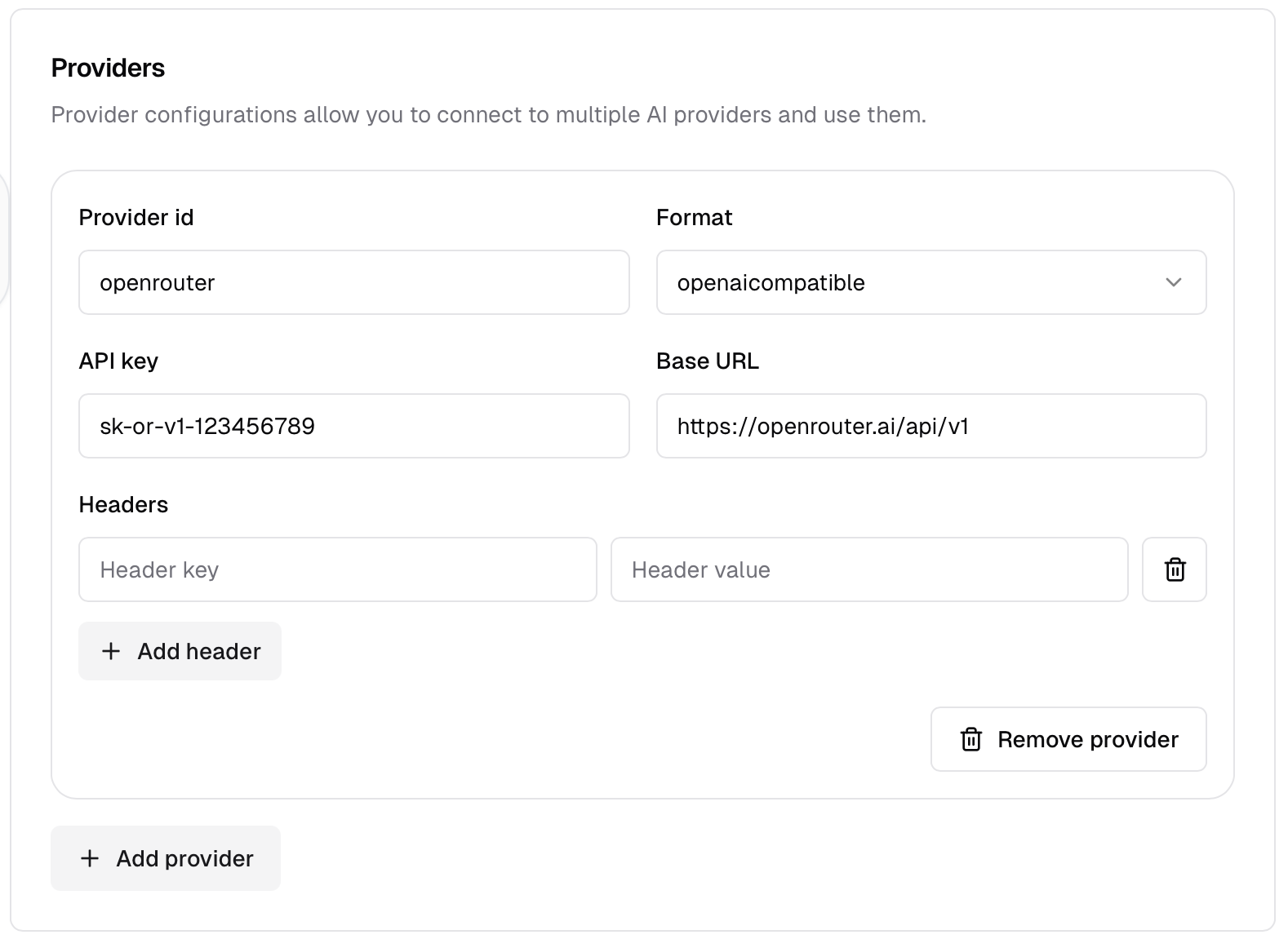
On the Config page, add your AI API provider.
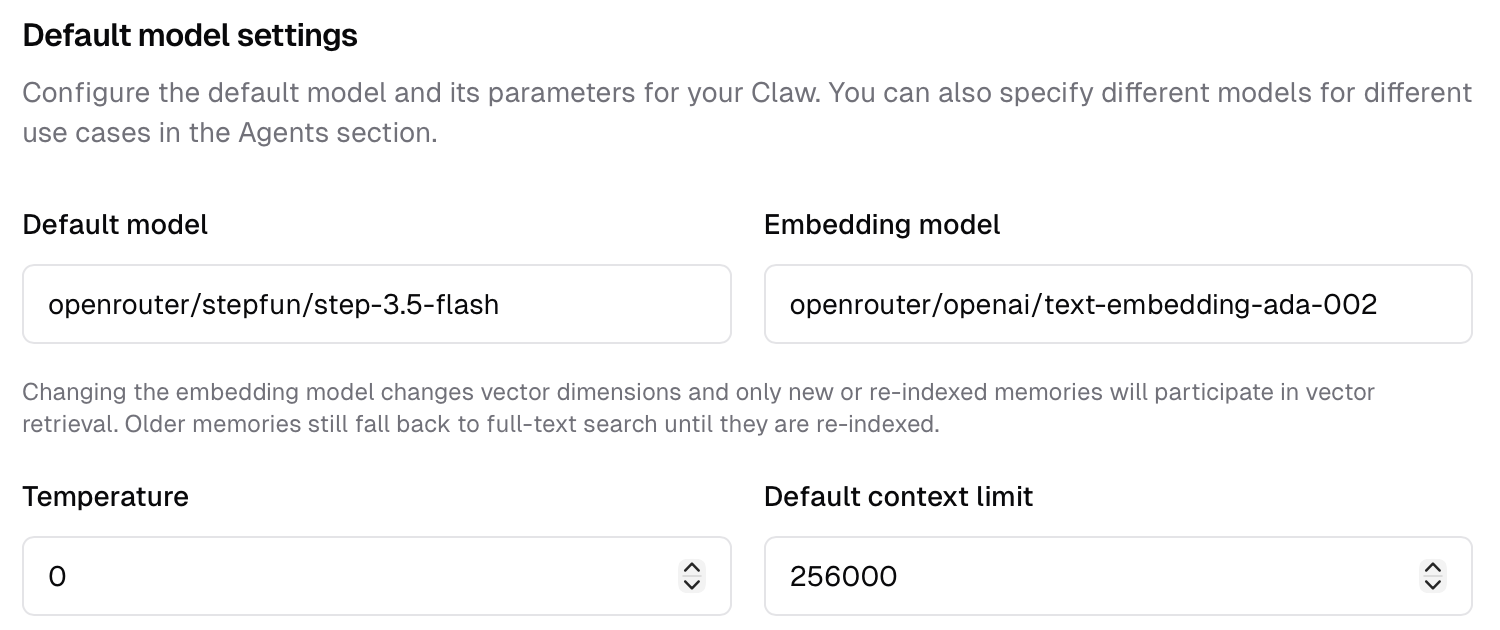
Then configure your Default Model and Embedding Model using the format Provider/Model, for example openai/gpt-5.4 or openrouter/stepfun/stepfun-3.5-flash.
If you use OpenRouter like I do, you can follow the example configuration.
In most cases, the context limit is inferred automatically. The context limit determines how far back ClawLess compresses your conversation history; you can set a shorter limit if you prefer.
You can optionally set the temperature and output limit for each message.

Don't forget to save your configuration, then enjoy chatting with your new AI agent!
Click the first card in Chat to start your ClawLess. It will initialize its built-in memory to personalize your agent.
Community
Our official website is niapya.github.io/clawless.
You can open an Issue or start a Discussion on the repository.